Samsung TV Repair Auckland – Common Problems & Solutions
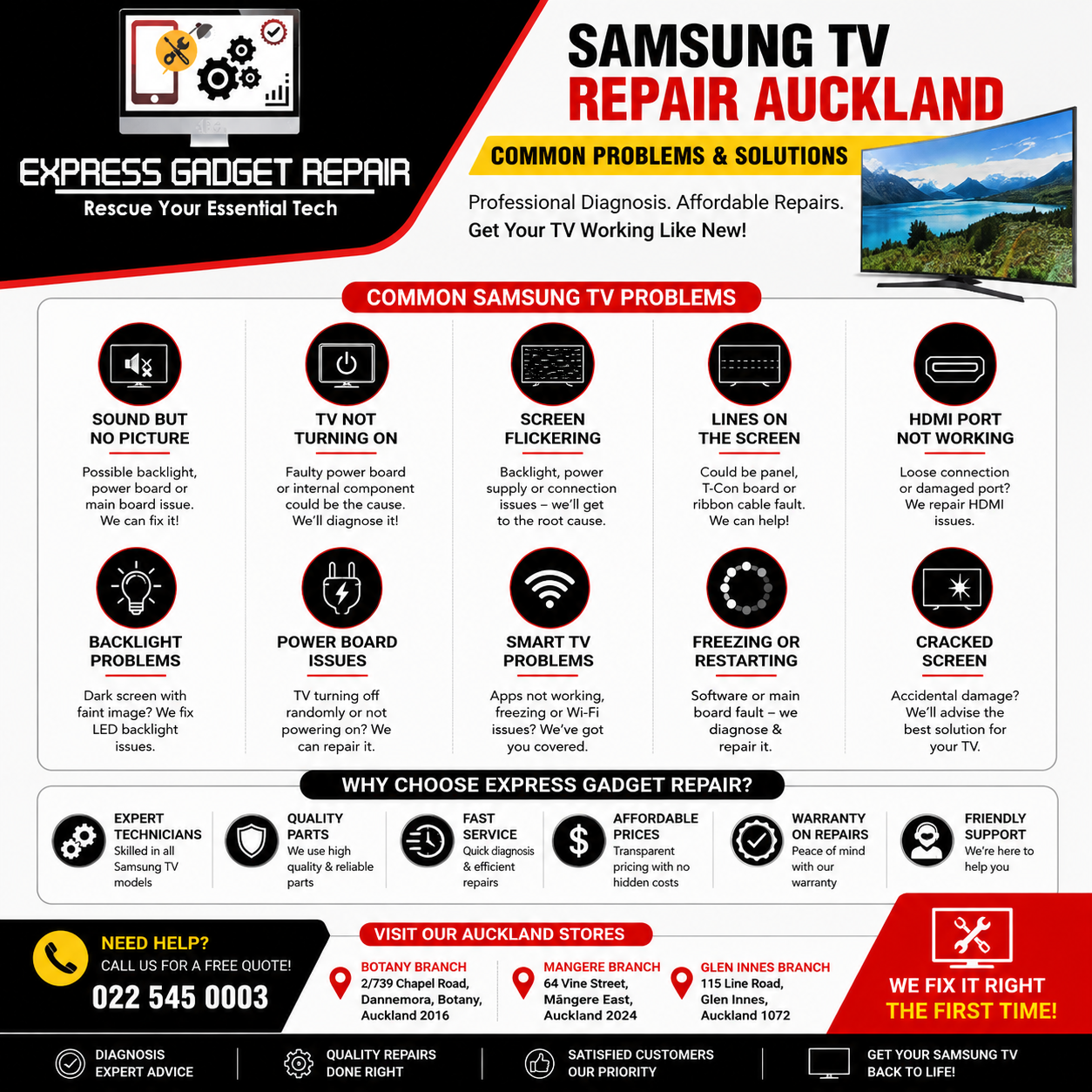
A Samsung TV can provide years of excellent picture quality, but like any electronic device, it can eventually develop problems. From a Samsung TV with sound but no picture to flickering screens, HDMI problems and TVs that suddenly stop turning on, many faults can be repaired without replacing the entire television.
If you are searching for Samsung TV repair Auckland, Express Gadget Repair can inspect your TV, identify the fault and advise you on the most practical repair option.
Samsung televisions contain several important components, including the power board, main board, LED backlights, display control electronics and screen panel. A problem with any of these components can cause different symptoms. The important thing is to diagnose the actual fault before replacing parts.
Common Samsung TV Problems in Auckland
Samsung TVs can experience a wide range of faults. Some problems are relatively simple, while others require professional testing and replacement of internal components.
Here are some of the most common Samsung TV problems customers experience.
1. Samsung TV Has Sound But No Picture
One of the most common television faults is sound but no picture.
You may be able to hear Netflix, YouTube, television channels or other content, while the screen remains completely black. Samsung itself recommends checking connections and sources when a TV has sound but no visible picture.
A common cause can be a failed LED backlight. The TV may still be producing an image, but the backlight that illuminates the display has failed.
Other possible causes include:
-
LED backlight failure
-
Power board problems
-
Main board faults
-
Display control issues
-
Damaged internal connections
-
Panel-related faults
A technician can test the TV to determine whether the problem is the backlight, board or display panel.
2. Samsung TV Not Turning On
Is your Samsung TV completely dead?
If there is no picture, no sound and no response from the remote, start by checking the wall outlet and power cable. Try connecting the television directly to a known-working power outlet.
If the TV still does not turn on, the problem could be related to the internal power supply.
The power board is responsible for converting incoming electrical power into the voltages required by the television's different components. A failure in this section can result in a TV that does not turn on at all, repeatedly shuts down or attempts to start but immediately switches off.
Power-related faults are among the problems that may be repairable without replacing the entire television.
3. Samsung TV Screen Flickering
A Samsung TV screen that flickers can be extremely frustrating, particularly when watching movies or sports.
Flickering may be caused by several different issues, including:
-
LED backlight problems
-
Power supply issues
-
HDMI cables or connected devices
-
Main board faults
-
Display-related problems
-
Internal connections
Before assuming that the screen itself is damaged, try another HDMI cable or input and disconnect external devices such as gaming consoles and streaming devices.
If the TV continues to flicker regardless of the source, professional diagnosis can help determine whether the fault is electronic or panel-related.
4. Samsung TV Has Lines on the Screen
Vertical lines, horizontal lines, coloured lines or sections of the screen not displaying correctly can indicate a display-related fault.
Depending on the symptoms, the problem may involve the display control electronics, ribbon connections or the actual panel.
This is why it is important not to immediately order a replacement screen. A proper inspection can determine whether the problem is repairable.
If the panel itself has physical damage, however, replacement can sometimes be uneconomical compared with purchasing another television.
5. Samsung TV HDMI Port Not Working
Modern Samsung Smart TVs are commonly connected to gaming consoles, soundbars, Apple TV devices, Chromecast devices, Blu-ray players and other HDMI equipment.
If one HDMI port stops working, first try:
-
Another HDMI cable
-
Another HDMI device
-
Another HDMI input on the television
-
Restarting both the TV and connected device
If the same HDMI port continues to fail while other ports work normally, the HDMI socket or associated circuitry could be damaged.
A damaged HDMI port can sometimes be repaired rather than replacing the entire main board, depending on the TV model and extent of the damage.
Samsung TV Backlight Repair
LED backlight failure is an important cause of Samsung TV black screen problems.
You may notice that the television still produces sound but the screen appears completely dark. In some cases, a faint image may still be visible when a light is directed closely at the screen. This can indicate that the picture is being generated but the backlighting is not working.
Backlight repair involves opening the television and testing the relevant components.
Because modern TVs contain delicate display panels, attempting an internal repair without the correct equipment can result in additional damage. The large panel is particularly fragile and expensive to replace.
For this reason, internal Samsung TV repairs are best handled by an experienced technician.
Samsung TV Power Board Repair
A faulty power board can cause several different symptoms.
Your Samsung TV may:
-
Not turn on
-
Turn off randomly
-
Restart repeatedly
-
Make clicking sounds
-
Have no standby response
-
Turn on briefly and then shut down
A technician can test the power supply and other components to determine whether the power board is responsible.
If the board is faulty and a suitable repair is possible, replacing the defective component may be considerably more practical than replacing the entire television.
Samsung Smart TV Problems
Samsung Smart TVs can also develop software and connectivity problems.
You may experience:
-
Apps not opening
-
Netflix or YouTube freezing
-
Wi-Fi connection problems
-
TV freezing on the Samsung logo
-
Slow menus
-
Random restarts
-
HDMI devices not being recognised
Some Smart TV problems can be resolved through basic troubleshooting, software updates or resetting the television.
However, if the TV repeatedly freezes, restarts or becomes stuck during startup, the problem may involve the main board or internal hardware.
When Should You Repair or Replace a Samsung TV?
The decision to repair a Samsung TV depends on several factors.
Consider:
-
The age of the TV
-
The screen size
-
The original purchase price
-
The type of fault
-
Availability of replacement parts
-
Condition of the display panel
-
Estimated repair cost
A backlight, power board or certain main-board faults may make sense to repair, particularly if the television has a good-quality display and is otherwise working well.
A severely cracked display panel is different. Physical panel damage is often one of the most expensive TV faults and may not be economical to replace.
That is why getting a diagnosis before deciding to replace your Samsung TV can be worthwhile.
Why Choose Express Gadget Repair for Samsung TV Repair Auckland?
If you are looking for Samsung TV repair in Auckland, Express Gadget Repair can help diagnose television faults and provide repair options.
Our approach is simple: inspect the TV, identify the problem and explain the available solution before proceeding with the repair.
We can assist with common problems including:
-
Samsung TV not turning on
-
Samsung TV black screen
-
Samsung TV sound but no picture
-
Samsung TV backlight problems
-
Samsung TV flickering
-
Samsung TV HDMI problems
-
Samsung TV power issues
-
Samsung Smart TV faults
-
Samsung TV display problems
-
Samsung TV board repairs
Express Gadget Repair has Auckland locations serving customers across areas including Botany, Māngere and Glen Innes.
If your Samsung TV is experiencing a problem, bringing it in for an inspection can help determine whether the issue is repairable.
Get Your Samsung TV Checked in Auckland
A Samsung TV that suddenly stops working does not necessarily mean you need to buy a new television.
Problems such as no power, black screens, sound with no picture, flickering, HDMI failures and backlight faults can have different causes, and the correct repair depends on the exact symptoms and TV model.
Before replacing your Samsung TV, have the fault properly diagnosed.
Express Gadget Repair provides Samsung TV repair in Auckland with professional fault diagnosis and repair options.
If your Samsung TV is not working correctly, contact Express Gadget Repair for a free quote or bring your TV in for inspection. Our team can assess the problem and let you know what repair options are available.


